> For the complete documentation index, see [llms.txt](https://guardian.hedera.com/llms.txt). Markdown versions of documentation pages are available by appending `.md` to page URLs; this page is available as [Markdown](https://guardian.hedera.com/docs/3.5.1/guardian/standard-registry/discontinuing-policy-workflow/deprecating-vm0042-v1.0-and-migrating-to-vm0042-v2.1-using-migration-wizard.md).
# Deprecating VM0042 v1.0 and Migrating to VM0042 v2.1 Using Migration Wizard
## Overview
The Guardian platform allows any registry or standards body to create, manage, and update digital methodologies (policies) for environmental and sustainability programs.
When a policy is updated, it is important to deprecate the old version so no new projects start on it, and migrate existing projects to the updated version while keeping all history intact. This ensures consistency across active projects and compliance with the latest requirements.
This guide explains how to do that using the Guardian Migration Wizard.
## Background Example
An environmental carbon credit standard body is using the VM0042 methodology for *Improved Agricultural Land Management*.\
The current Guardian policy is based on VM0042 v1.0, which has been in use since 2023.
In July 2025, Verra released VM0042 v2.1, which introduces:
* Updated emission factor calculation formulas
* New soil organic carbon (SOC) sampling schema
* Mandatory geospatial boundaries in GeoJSON format
* Additional MRV (Monitoring, Reporting, and Verification) metadata fields
To comply with updated standards, the standard body must:
1. Deprecate VM0042 v1.0 so no new projects start on it.
2. Migrate existing project data to VM0042 v2.1 using Guardian’s Migration Wizard.
### Why Migration Is Needed
* Regulatory compliance — Old methodology no longer meets Verra’s validation requirements.
* Data consistency — All ongoing projects must follow the same updated schema for comparability.
* Avoid double counting — Ensures migrated projects retain unique identifiers and traceable history.
### Part 1: Deprecate VM0042 1.0 Policy
#### Step 1: Open Guardian Admin Panel
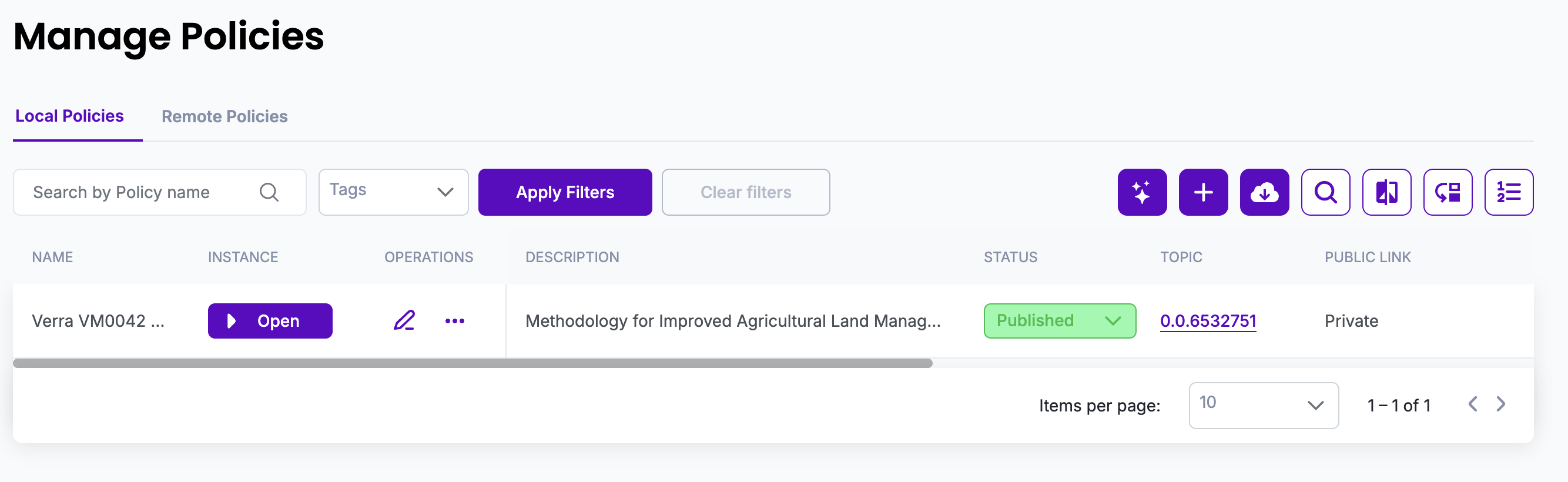
Navigate to the **"Policies"** section in the Guardian dashboard.
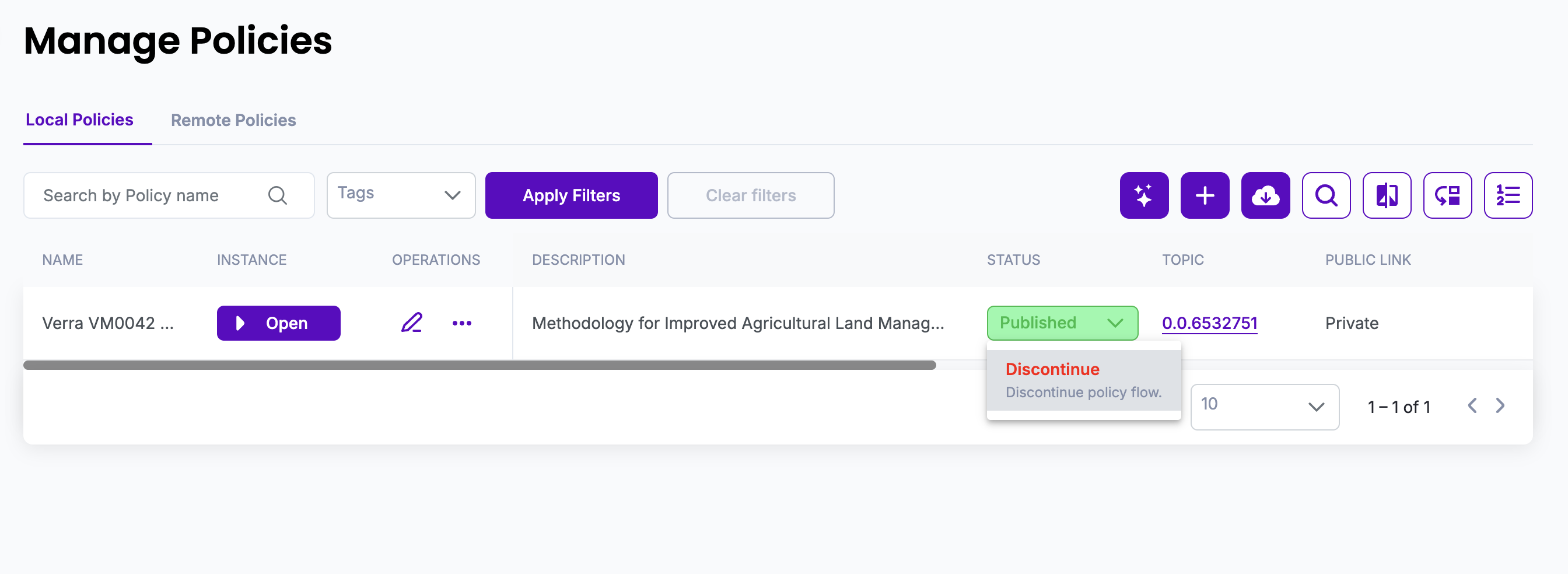
#### Step 2: Select and Deprecate the Policy
* Click the **"Discontinue"** button.
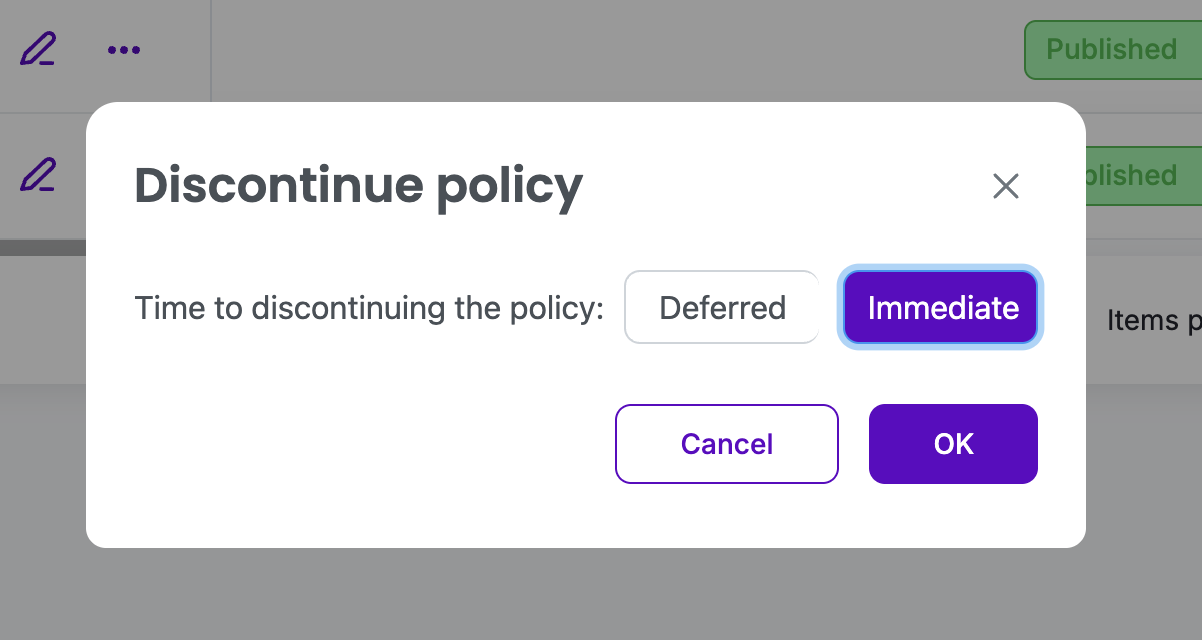
* Select the timeframe, when we want to discontinue the policy. For now, we will be selecting immediate in the pop up:
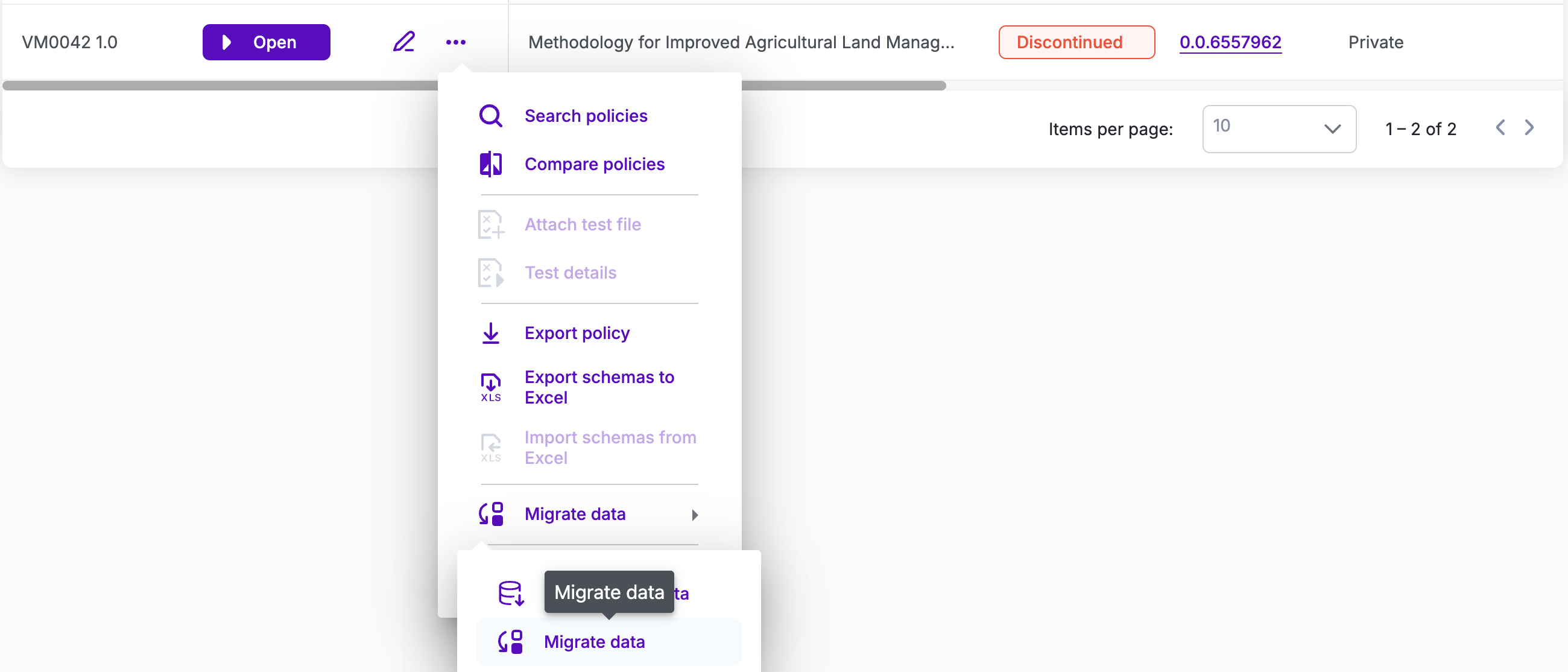
* The policy will now be marked as **Discontinued**, and users will no longer be able to issue new credentials.
### Part 2: Prepare VM0042 v2.1 Policy
#### Step 3: Create/Import VM0042 V2.1 Policy:
Publishing VM0042 V2.1 Policy:
### Part 3: Migrate Data Using Migration Wizard
#### Step 4: Launch Migration Wizard
* Click on **Migrate data** for Discontinued Policy: VM0042 1.0:
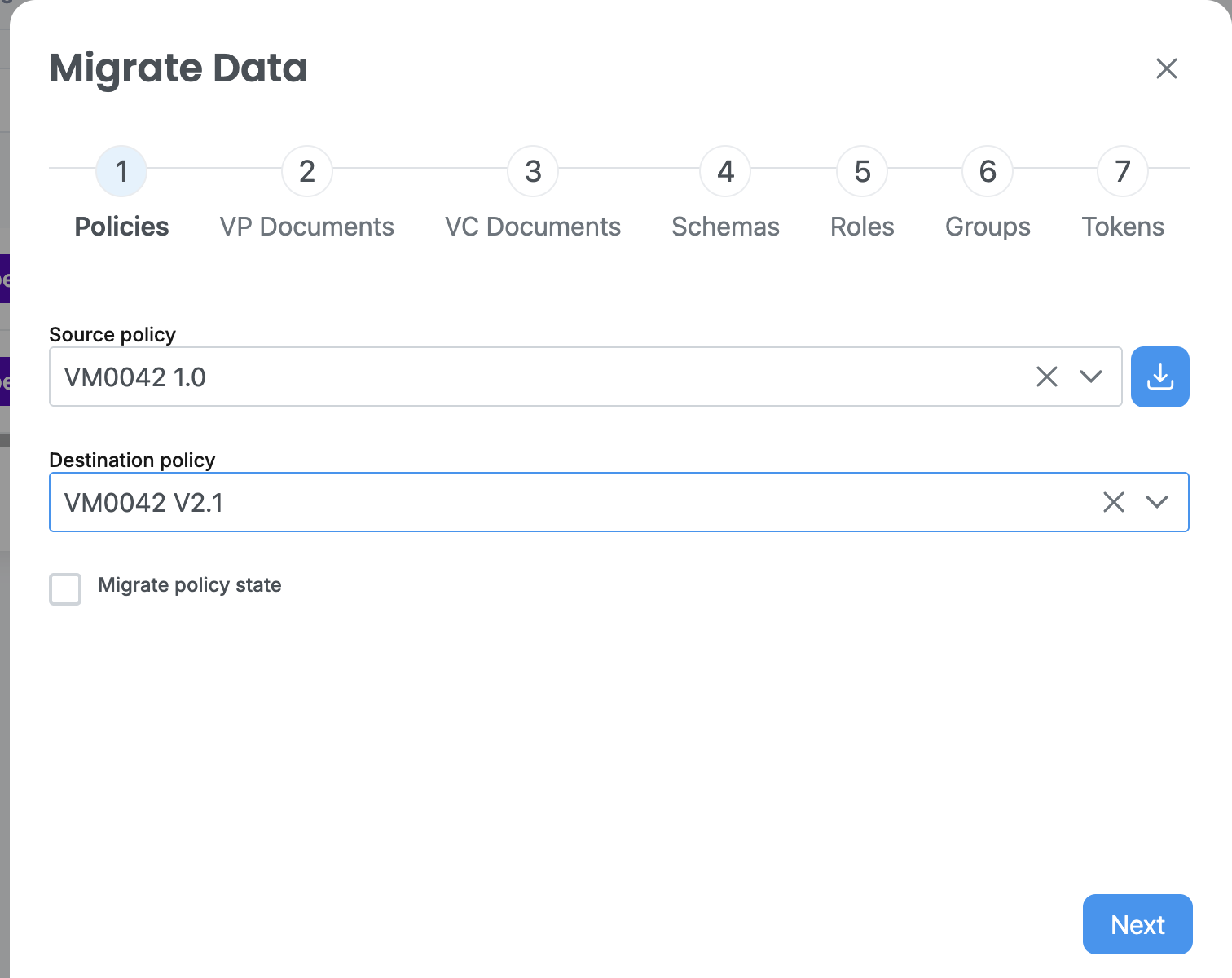
#### Step 5: Select Source and Target Policies
* **Source Policy**: Select VM0042 1.0
* **Target Policy**: Select VM0042 V2.1
#### Step 6: Map Credentials
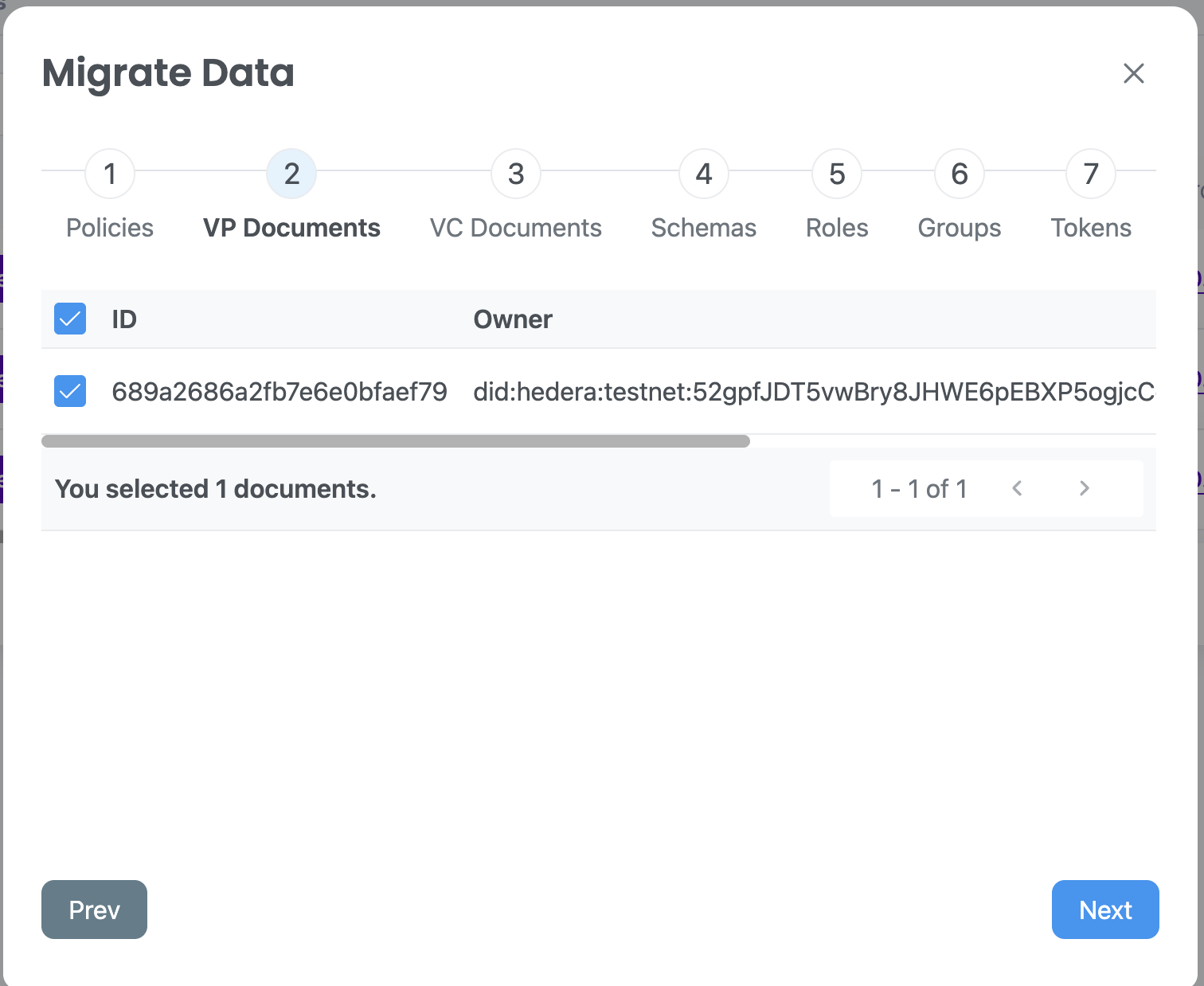
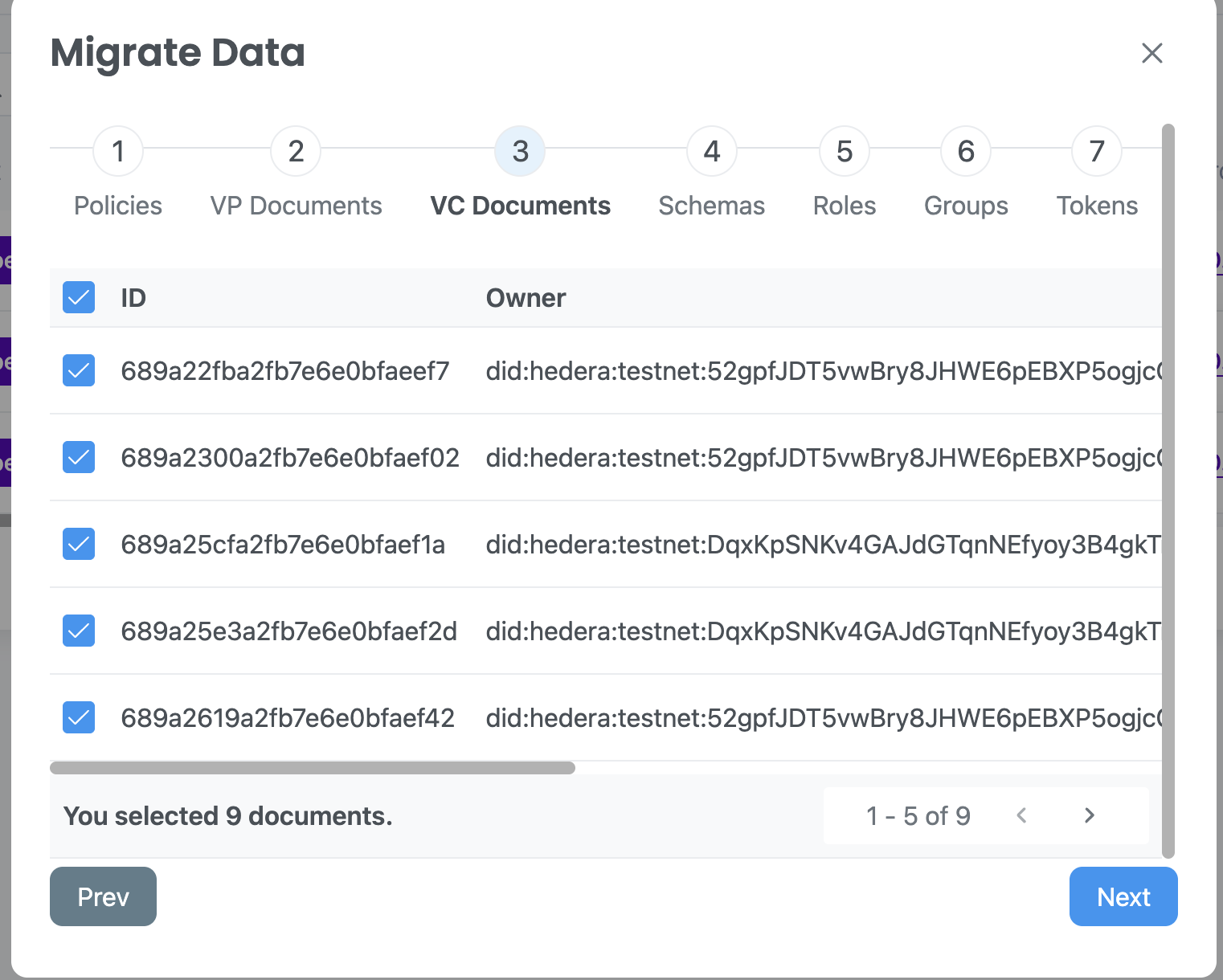
* This step of the wizard is where you select the project records to migrate from one policy version to another.
Each VC and VP have an associated entity or individual which attested to the document validity by creating a cryptographic signature. This entity is referred to as 'owner' of the document, and is identified by Decentralized Identifier (DID).
* VP Documents are Verifiable Presentations — collections of project information packaged together for sharing and verification.
* VC Documents are Verifiable Credentials — individual digital records that contain the certified data for a project, such as monitoring reports, emission reductions, or validation results.
* DID is a globally unique identifier that can be resolved to a DID Document containing public cryptographic keys, service endpoints, and other metadata. Only the entity with the private keys matching public keys in the DID can prove ownership of the issued VCs and VPs. More information on DIDs and its relationship with VCs and VPs can be found here: .
More information on VCs and VPs concepts can be found here: .
* Once selection is completed, click **"Next"**.
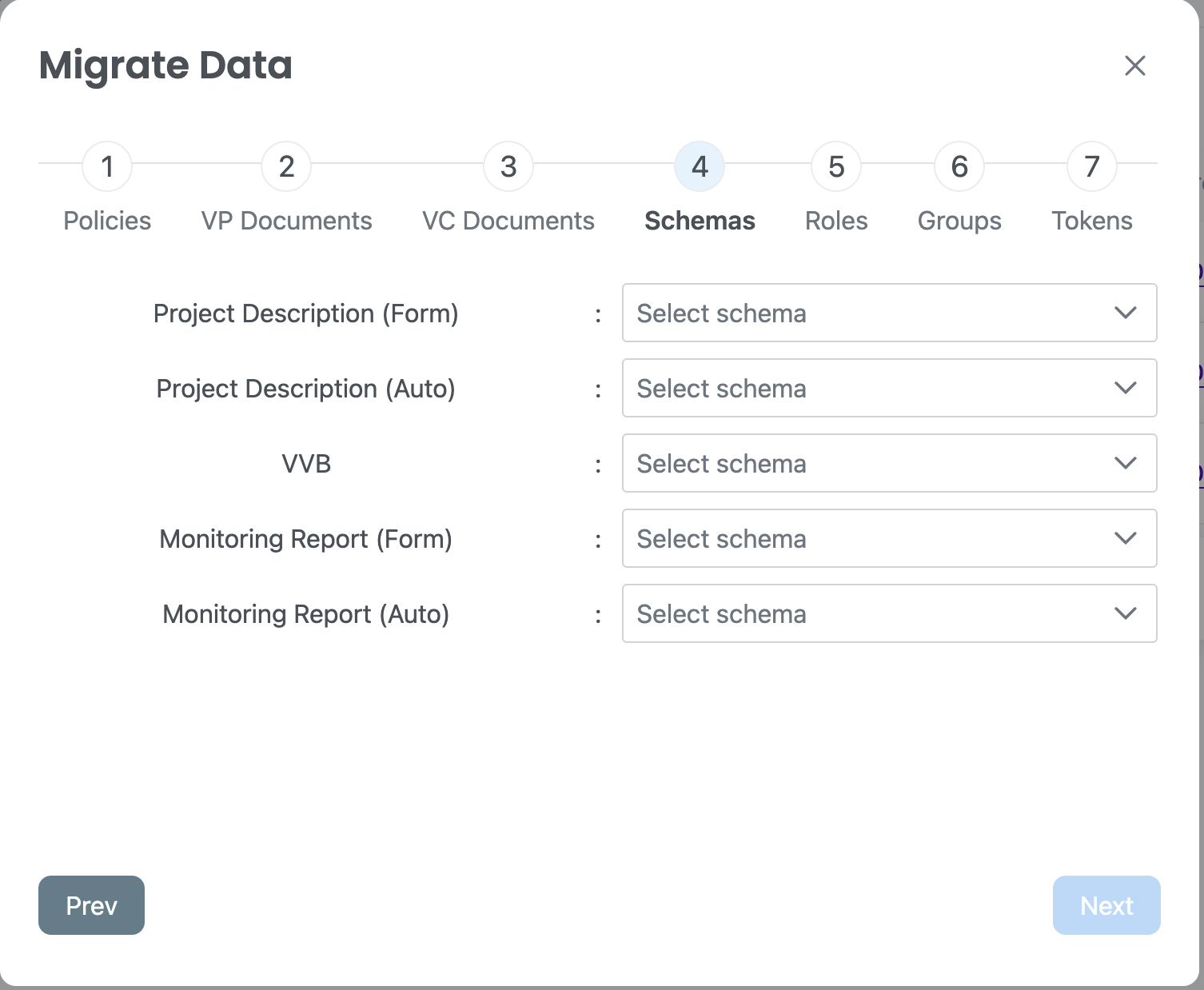
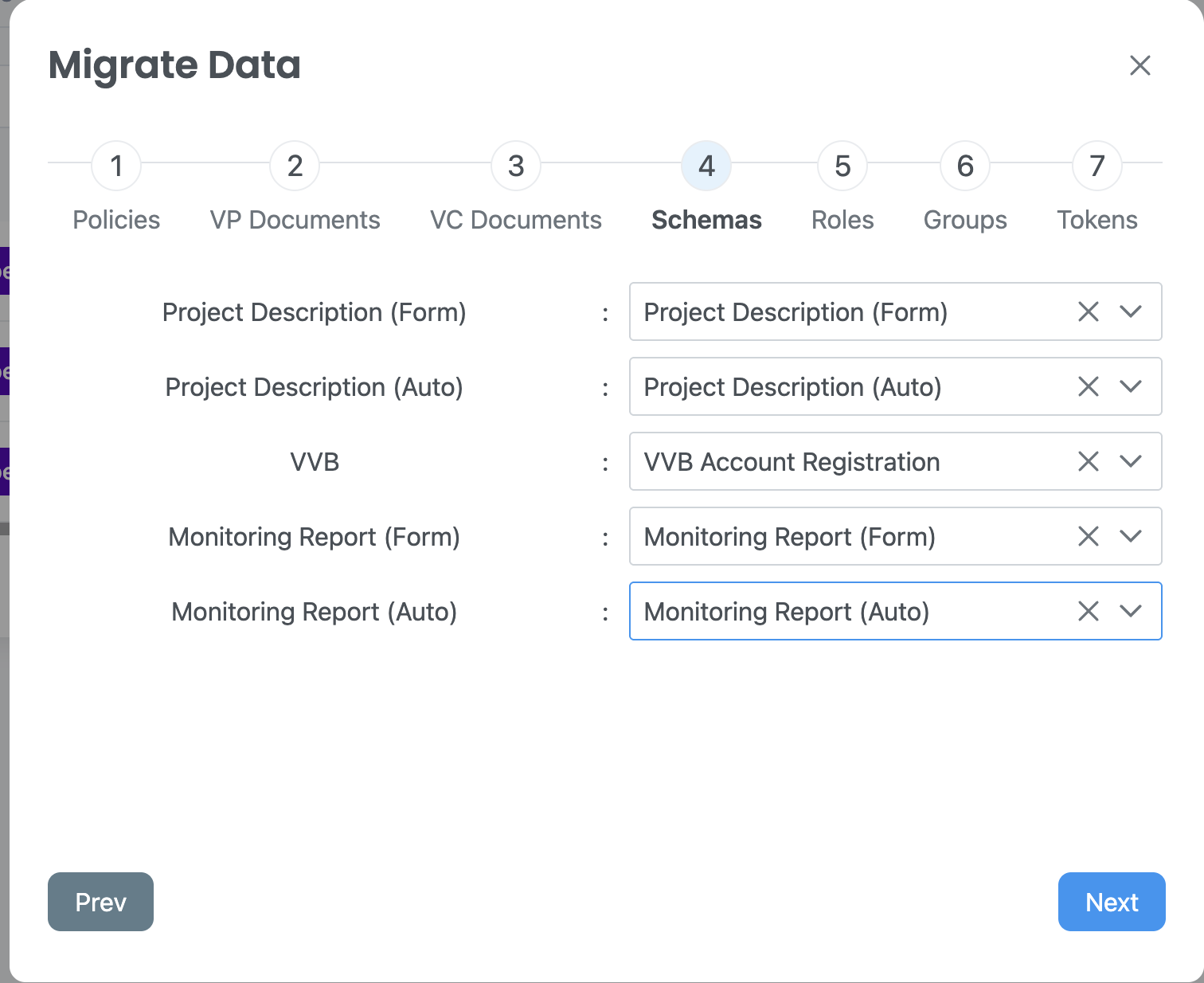
#### Step 7: Map Fields to New Schema
The wizard will guide you to map old fields to the new schema structure.
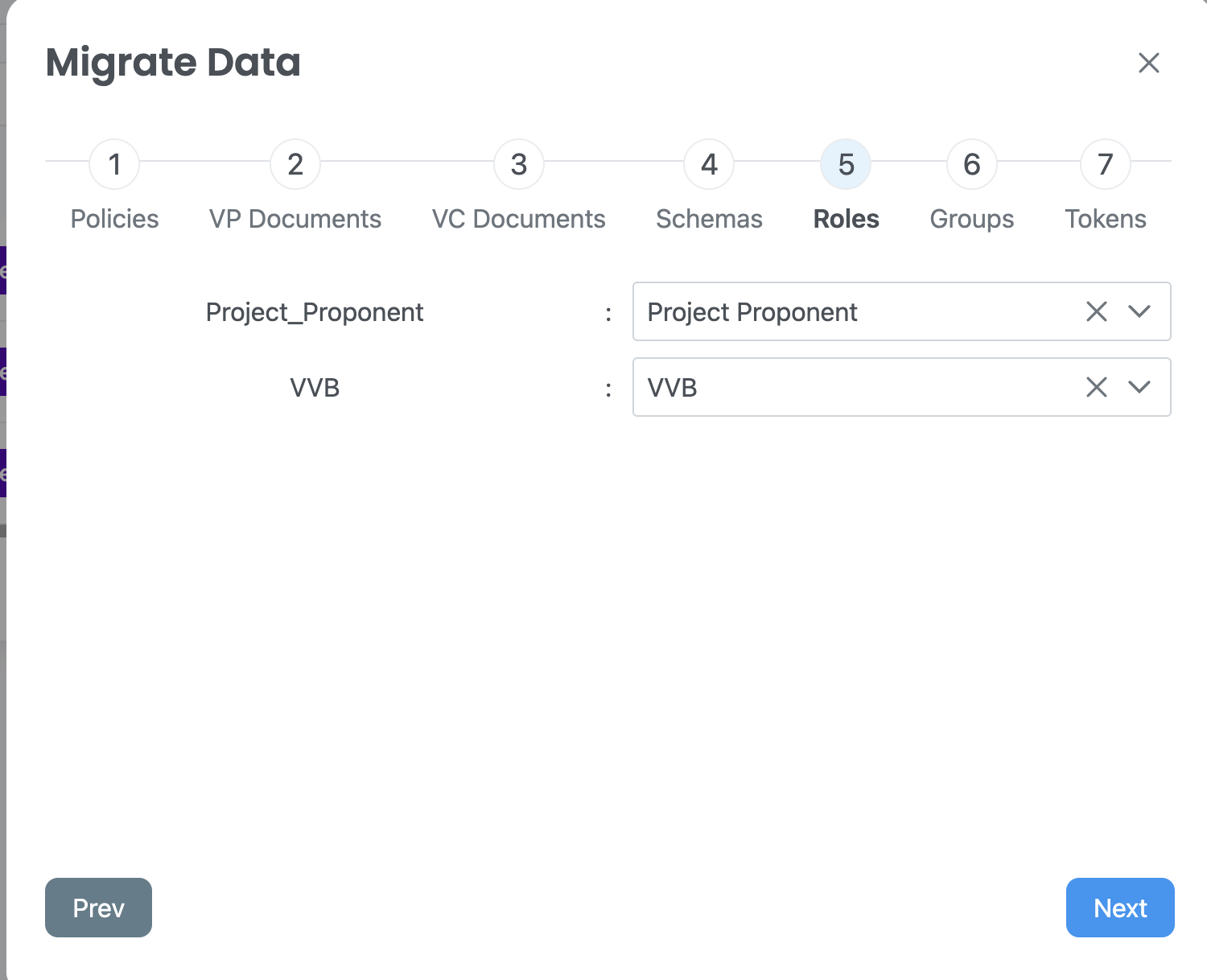
#### Step 8: Map the Roles
* Map the roles:
#### Step 9: Map the Groups/Tokens (Optional)
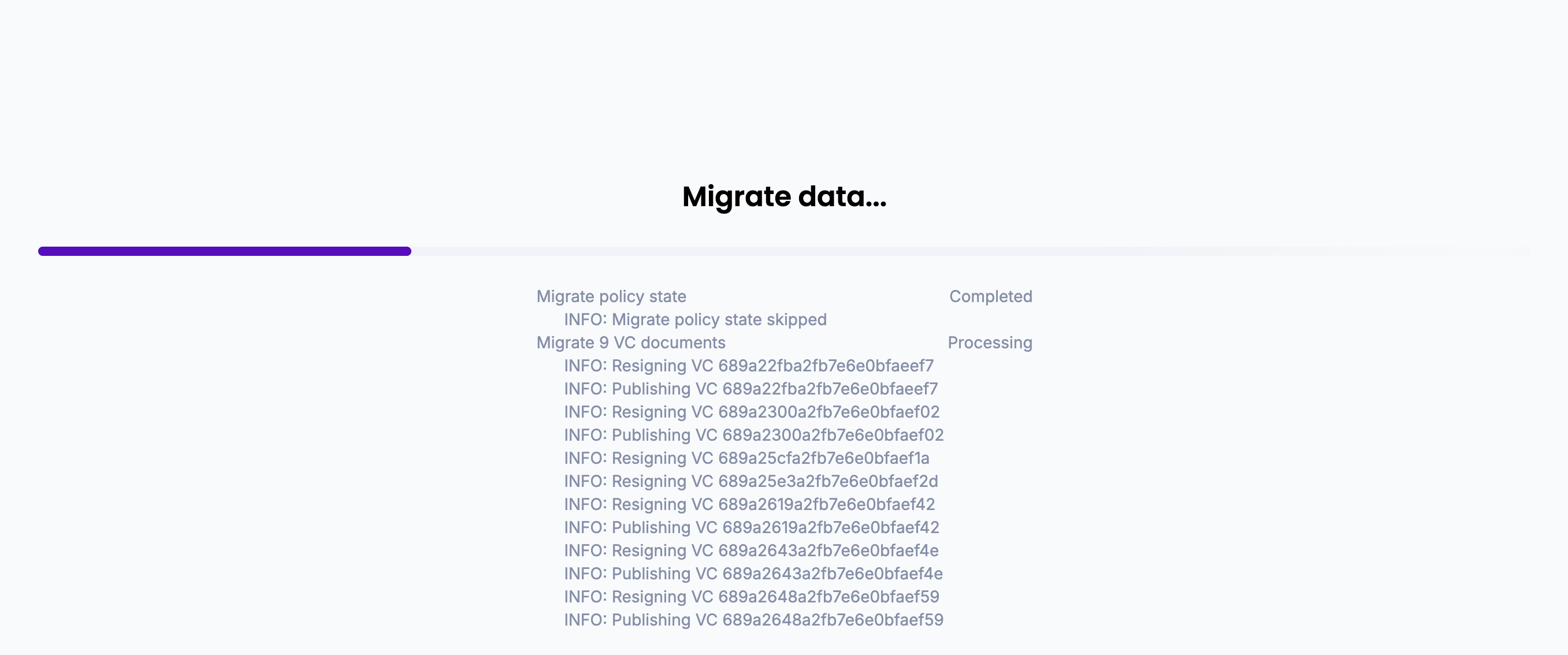
#### Step 10: Start the Migration Process
* Click on "Next" and start the migration data process:
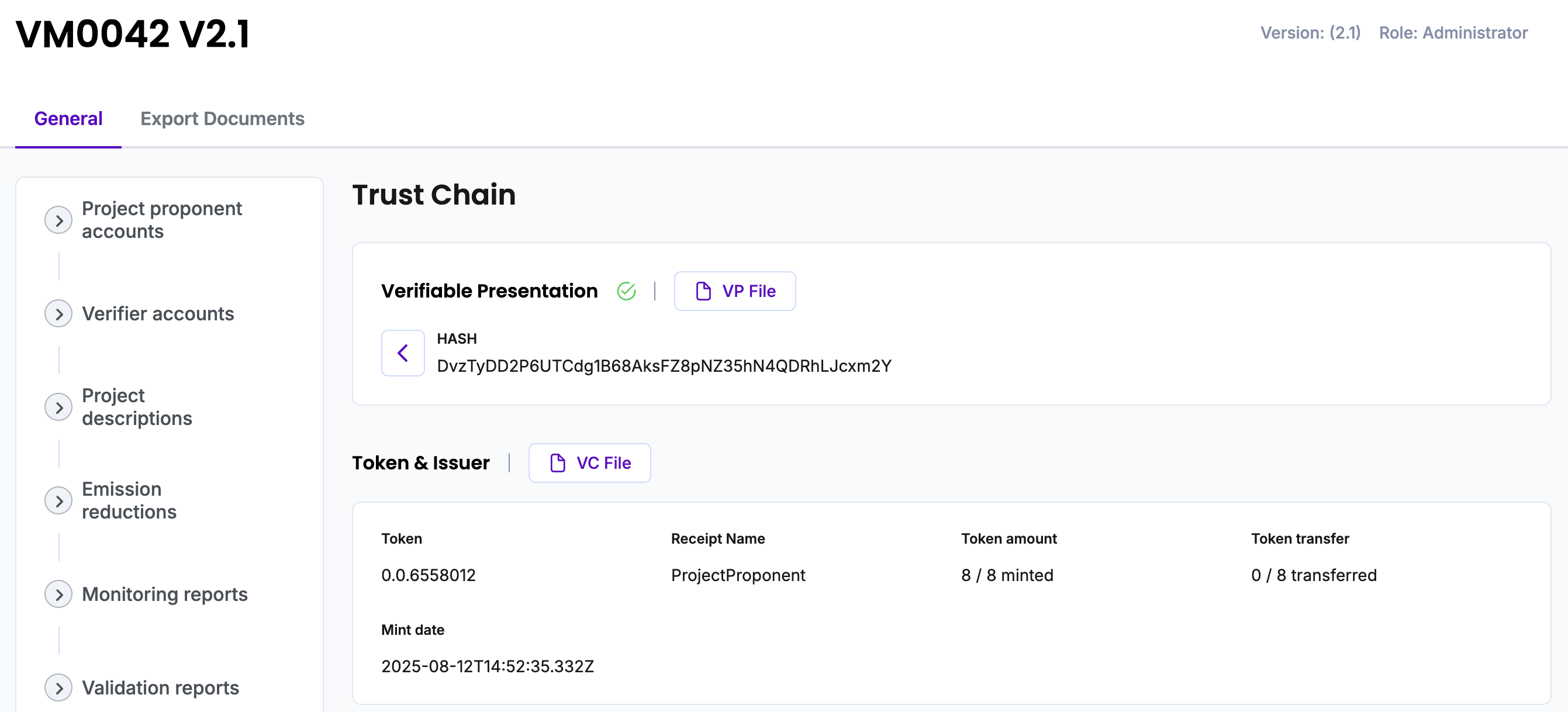
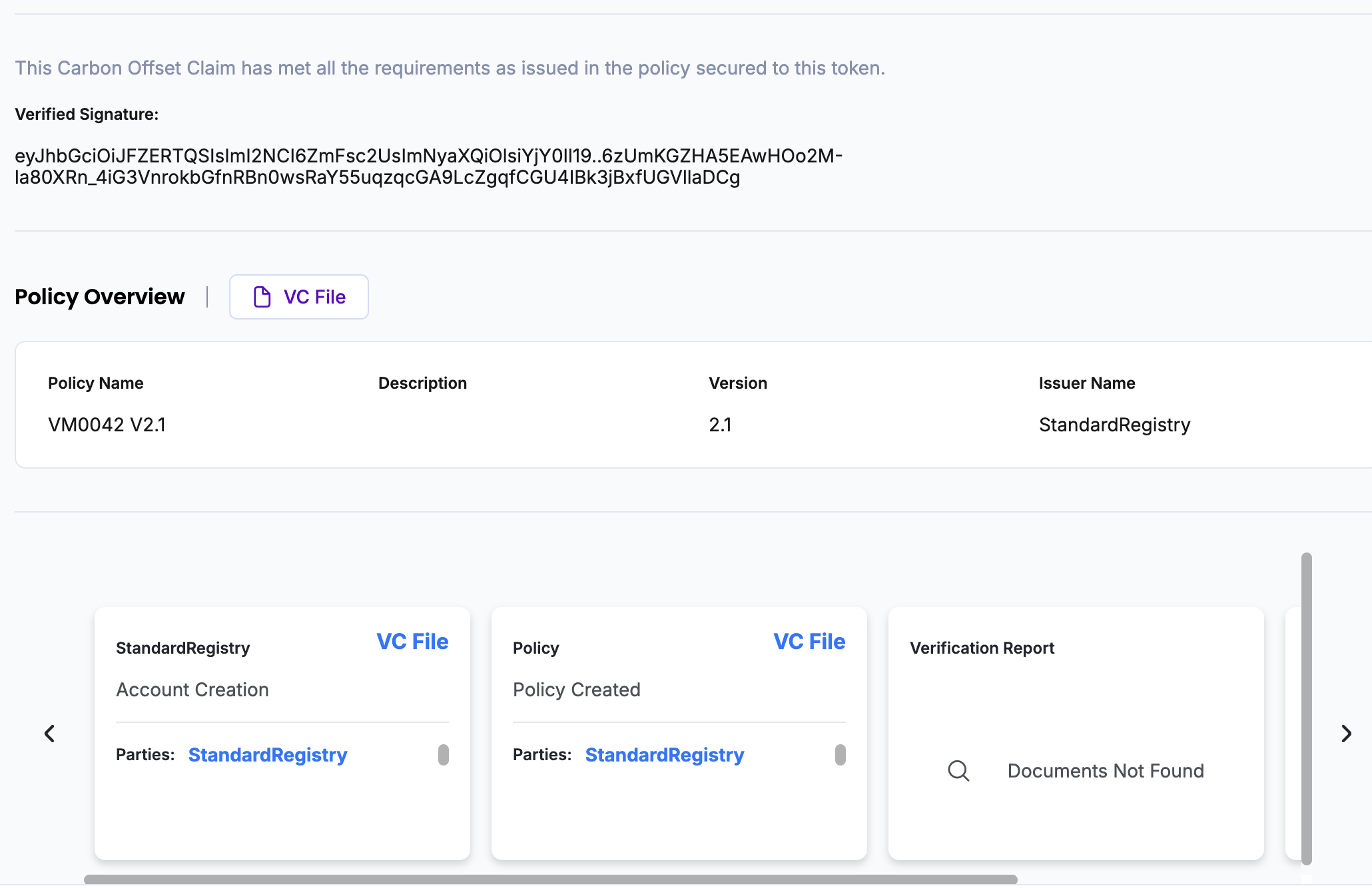
#### Step 11: Verify the VM0042 V2.1 Policy
* Open the VM0042 V2.1 Policy and click on "**TrustChain**".
* View the TrustChain to confirm:
* All records migrated correctly
* Original credential IDs are preserved
* Linked documents, token metadata, and approvals are intact
---
# Agent Instructions
This documentation is published with GitBook. GitBook is the documentation platform designed so that both humans and AI agents can read, navigate, and reason over technical content effectively. Learn more at gitbook.com.
## Querying This Documentation
If you need additional information that is not directly available in this page, you can query the documentation dynamically by asking a question.
Perform an HTTP GET request on the current page URL with the `ask` query parameter, and the optional `goal` query parameter:
```
GET https://guardian.hedera.com/docs/3.5.1/guardian/standard-registry/discontinuing-policy-workflow/deprecating-vm0042-v1.0-and-migrating-to-vm0042-v2.1-using-migration-wizard.md?ask=&goal=
```
`ask` is the immediate question: it should be specific, self-contained, and written in natural language.
`goal` is optional and describes the broader end goal you are ultimately trying to accomplish on behalf of the user. GitBook uses it to tailor the answer towards what is most useful for that goal.
The response will contain a direct answer to the question and relevant excerpts and sources from the documentation.
Use this mechanism when the answer is not explicitly present in the current page, you need clarification or additional context, or you want to retrieve related documentation sections.